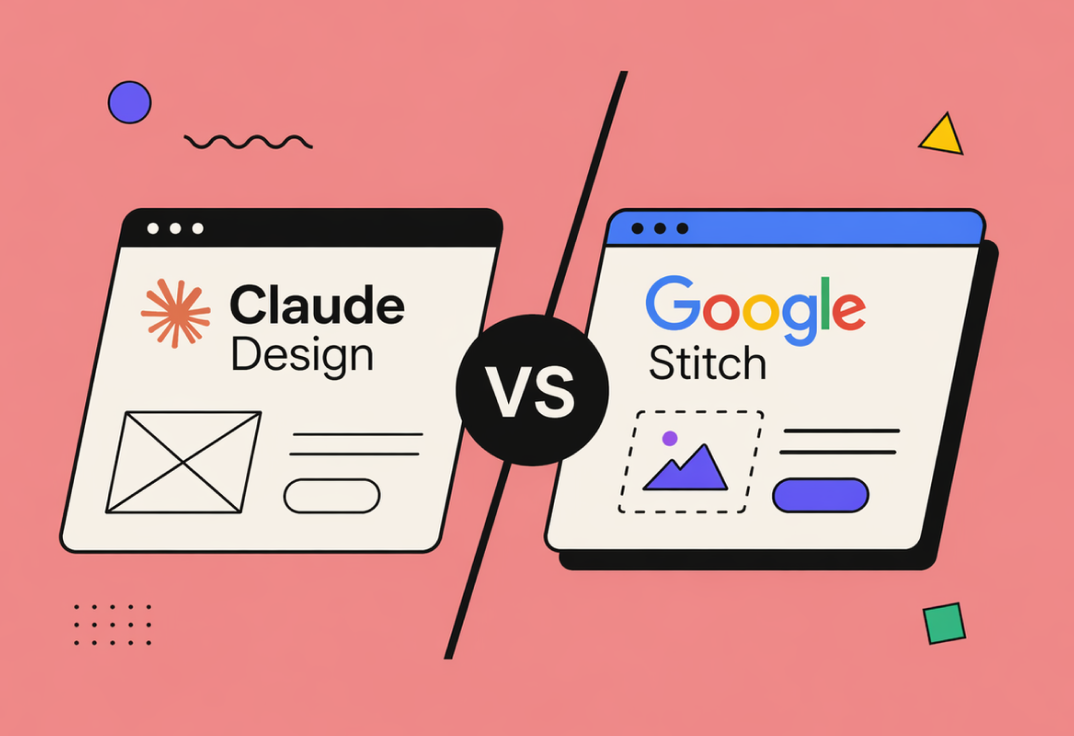
The emergence of AI-assisted design tools is starting to reshape how digital products are conceived and delivered. Among the newer entrants, Claude Design and Google Stitch represent two distinct philosophies: one leaning towards structured reasoning and human-like iteration, the other towards automation at scale within an ecosystem. If you are building or scaling a product, the difference is not academic – it directly affects speed, quality, and maintainability.
This is not a marketing comparison. It is a practical look at where each tool actually performs well and where it still struggles.
What Claude Design Gets Right
Claude Design stands out in scenarios where thinking matters more than output volume. It behaves less like a generator and more like a collaborator. When you describe a product idea, it tends to clarify intent, challenge inconsistencies, and refine flows before jumping into visuals or structure.
That leads to one key advantage: coherence.
Designs generated with Claude Design typically feel internally consistent. User flows connect logically, naming is stable, and edge cases are often considered without being explicitly requested. For early-stage product definition or complex B2B systems, this is a significant advantage.
Another strength is iteration quality. When you refine a requirement, Claude Design tends to evolve the solution rather than regenerate it from scratch. This makes it usable in real workflows where requirements shift gradually, not abruptly.
It also handles ambiguity better. If your input is messy, incomplete, or evolving, Claude Design can still produce something usable without collapsing into nonsense.
However, this strength comes with a trade-off.
Claude Design is not fast in the “generate ten options instantly” sense. It prefers depth over breadth. If your workflow depends on rapid visual exploration or A/B-style idea bursts, it can feel slower and sometimes overly conservative.
There are also limitations in visual polish. While the structural thinking is strong, the output may require additional refinement in tools like Figma before it is production-ready.
Where Google Stitch Excels
Google Stitch takes a different approach. It is optimised for speed, scale, and integration.
The first thing you notice is responsiveness. Stitch can generate multiple design variations quickly, making it well suited for ideation phases where quantity matters. If your team works in design sprints or needs to present several directions to stakeholders, this is useful.
Its second major advantage is ecosystem alignment. Stitch integrates naturally with Google’s broader tooling stack, which reduces friction in teams already operating within that environment. Collaboration, sharing, and iteration across roles tend to be smoother out of the box.
Visually, Stitch often produces more polished initial outputs. Layouts feel closer to ready-made UI components, which can shorten the path from concept to prototype.
But speed introduces its own problems.
Stitch can generate outputs that look convincing but lack deeper logic. User flows may appear complete while hiding inconsistencies. It is easier to get something that looks “done” but requires significant rework once real product constraints are applied.
Another issue is instability across iterations. Small changes in prompts can lead to disproportionately different outputs. This makes controlled iteration harder compared to Claude Design’s more stable evolution.
Finally, Stitch tends to struggle with complex or ambiguous requirements. If your input is not well-structured, the results degrade quickly.
Direct Comparison in Real Use
If you reduce it to practical use cases, the distinction becomes clearer.
For early product thinking, especially in complex domains such as fintech, hiring platforms, or enterprise SaaS, Claude Design is the stronger choice. It helps you think, not just produce.
For rapid ideation, marketing pages, or UI-heavy exploration where visual output is prioritised over logical depth, Google Stitch is more efficient.
In iterative workflows, Claude Design behaves more like a senior product designer who maintains context. Stitch behaves more like a fast junior designer who needs precise instructions every time.
In terms of output quality, Stitch wins on initial visual appeal, while Claude Design wins on structural integrity.
What Neither Tool Does Well Yet
Both tools still fall short in one critical area: production readiness.
Neither Claude Design nor Google Stitch consistently produces outputs that can be directly implemented without manual refinement. Design systems, accessibility considerations, and real-world constraints still require human oversight.
They also struggle with long-term consistency across large products. Maintaining a unified design language across dozens of screens remains a manual task.
The Strategic Takeaway
The choice between Claude Design and Google Stitch is not about which tool is “better”. It is about where in your workflow you place intelligence versus speed.
If your bottleneck is unclear thinking, Claude Design will remove friction.
If your bottleneck is execution speed and visual exploration, Google Stitch will.
In practice, the most effective teams will not choose one. They will combine both: using Claude Design to shape the product and Google Stitch to accelerate surface-level output.
AI design tools are not replacing designers. They are shifting where the real work happens. The teams that understand this early will move faster than those chasing fully automated design pipelines.
And right now, neither Claude Design nor Google Stitch is close to that end state.